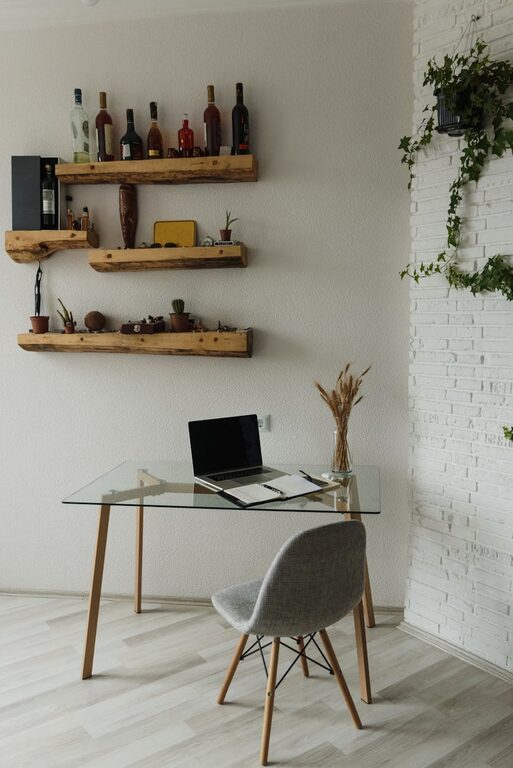
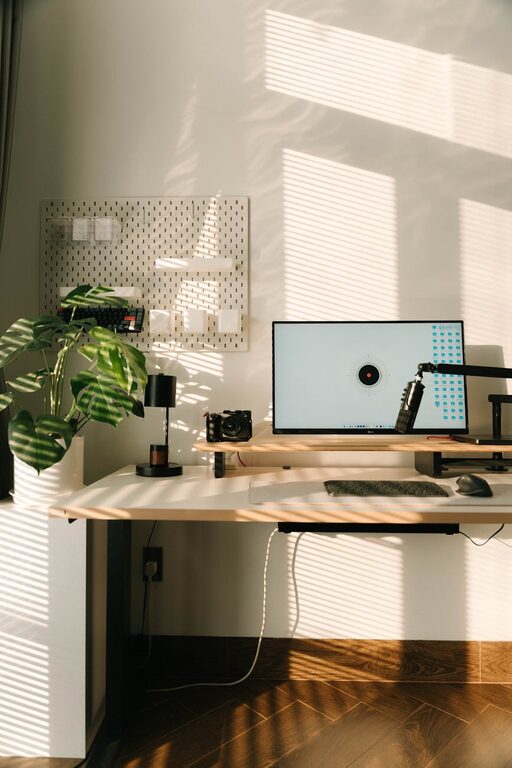
Creating a productive home office space is essential for anyone working remotely or spending significant time on work-related tasks at home. A well-designed workspace can enhance focus, reduce distractions, and promote a healthy balance between work and personal life. In this post, we’ll share practical tips to help you set up a home office that supports your productivity and well-being.
Choose the Right Location
Finding the optimal spot for your home office is the first step toward productivity. Ideally, select a quiet area away from heavy foot traffic and household distractions. If possible, choose a space with good natural light to boost mood and energy levels throughout the day.
Consider these factors:
– Privacy: A separate room with a door is ideal but a quiet corner can work.
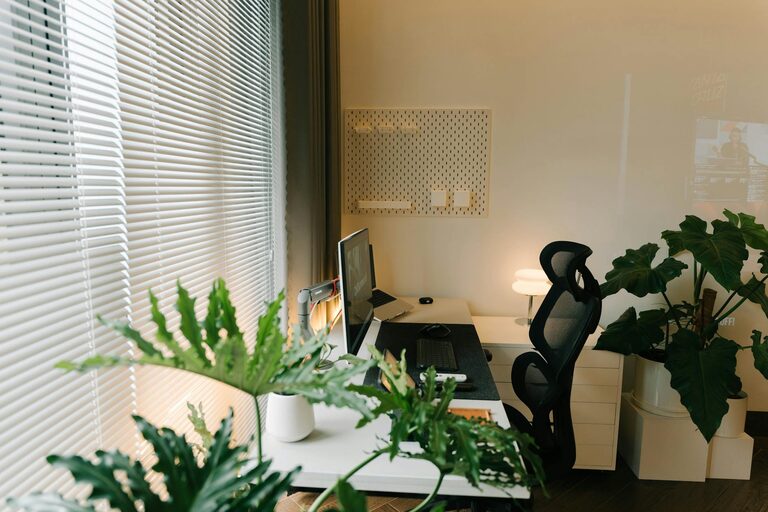
– Lighting: Position your desk near a window, but avoid glare on your screen.
– Noise: Use rugs, curtains, or noise-cancelling headphones to reduce sound interruptions.
Invest in Comfortable Furniture
Comfort matters when you’ll be sitting for hours at a time. A good chair and desk can reduce physical strain and help maintain proper posture.
Key furniture tips:
– Ergonomic chair: Choose one with adjustable height, lumbar support, and comfortable cushioning.
– Desk size: Select a desk that fits your work essentials without cluttering the space.
– Standing options: Consider a sit-stand desk or a desktop converter to change positions during the day.
Organize and Declutter
A clean, clutter-free workspace promotes focus and efficiency. Organize your items so that everything has a dedicated place.
Organization ideas:
– Storage solutions: Use shelves, drawers, or filing cabinets for papers and supplies.
– Desk accessories: Utilize desk organizers to keep pens, notebooks, and cables tidy.
– Minimize distractions: Keep personal items and unrelated electronics out of your immediate work area.
Optimize Lighting
Good lighting reduces eye strain and elevates your mood.
Lighting advice:
– Use a mix of natural and artificial light.
– Position your monitor to avoid glare from windows or lamps.
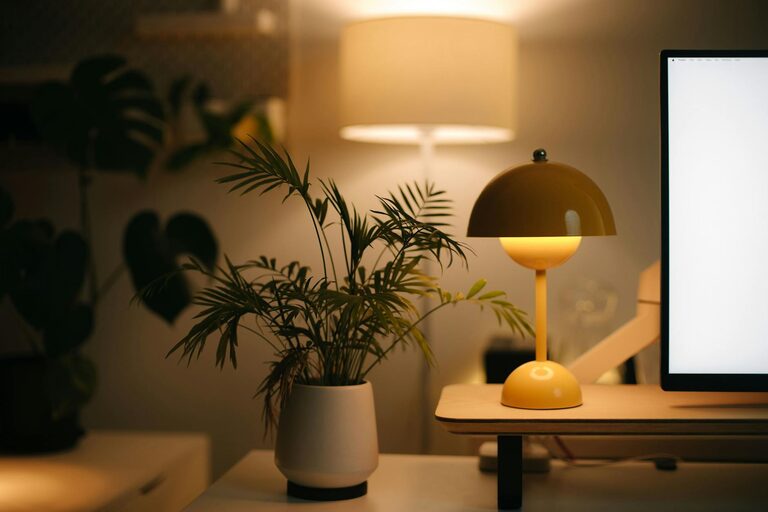
– Add a desk lamp with adjustable brightness for focused tasks.
Manage Technology and Connectivity
With many tasks relying on technology, an efficient setup is crucial.
Tips for technology setup:
– Reliable internet: Ensure strong Wi-Fi or use an Ethernet cable for stable connectivity.
– Cable management: Use clips or sleeves to organize cords and prevent tangling.
– Monitor placement: Place your screen at eye level about 20-30 inches away to reduce neck strain.
Personalize Your Space
A workspace that feels inviting can improve motivation.
Ways to personalize:
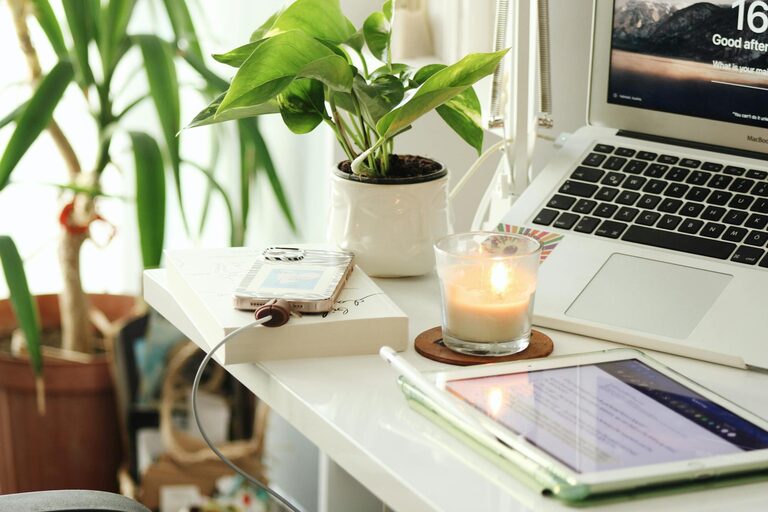
– Add plants for a touch of nature and better air quality.
– Include artwork or inspirational quotes to create a positive atmosphere.
– Use colors that boost focus and calm, such as soft blues or greens.
Establish a Routine and Boundaries
Creating a productive environment is not only about the physical space but also about habits.
Routine tips:
– Set consistent work hours and take regular breaks.
– Use noise-cancelling headphones or white noise apps if needed.
– Inform household members of your working schedule to minimize interruptions.
Incorporate Movement and Break Areas
Don’t forget to include small reminders or areas for movement to stay energized.
Suggestions:
– Stretch breaks: Set alarms to remind you to stand and stretch.
– Brief walks: Use a hallway or nearby space for quick walking breaks.
– Relaxation corner: A comfortable chair or cushion to recharge during breaks.
Final Thoughts
Designing a productive home office is a personal process that depends on your lifestyle, job demands, and available space. By carefully choosing your location, investing in comfort, staying organized, and creating clear boundaries, you can build a functional workspace that helps you stay motivated and focused every day.
With these tips, your home office can become a place where productivity and comfort come together seamlessly. Happy working!
About the Author