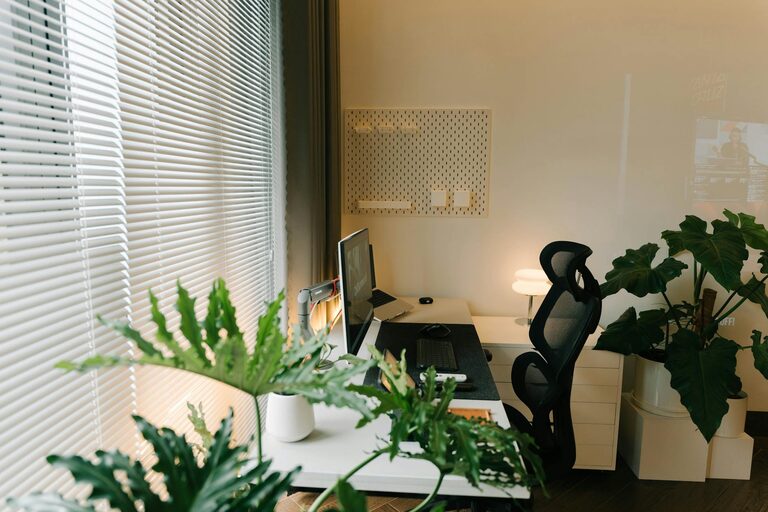
Creating a cozy and functional home workspace is essential for anyone working remotely or managing tasks from home. A well-designed area can boost productivity, reduce stress, and make your workday more enjoyable. Whether you have a dedicated room or a small corner, thoughtful setup can transform your space into a professional yet comfortable environment. Below are practical tips to help you achieve a home workspace that balances comfort with functionality.
Choose the Right Location
Finding the ideal spot for your home workspace is the first step. Consider these factors:
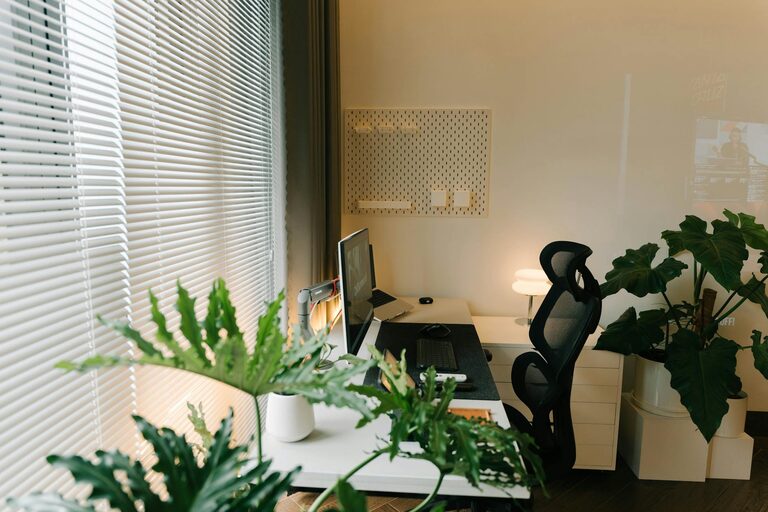
– Natural Light: Select a place with plenty of natural light. Sunlight helps improve mood and energy. Position your desk near a window if possible, but avoid glare on your computer screen.
– Quietness: Pick an area away from household noise and distractions. A quieter spot helps concentration.
– Space: Ensure there is enough room for your desk, chair, and any necessary equipment without feeling cramped.
Invest in Comfortable Furniture
The right furniture can make a significant difference in comfort and posture:
– Ergonomic Chair: Choose a chair with good back support, adjustable height, and comfortable cushioning. Sitting correctly prevents back pain and fatigue.
– Desk: Look for a desk that fits your space and workflow. A height that allows your arms to rest comfortably is crucial. Adjustable desks can offer the option to stand and sit.
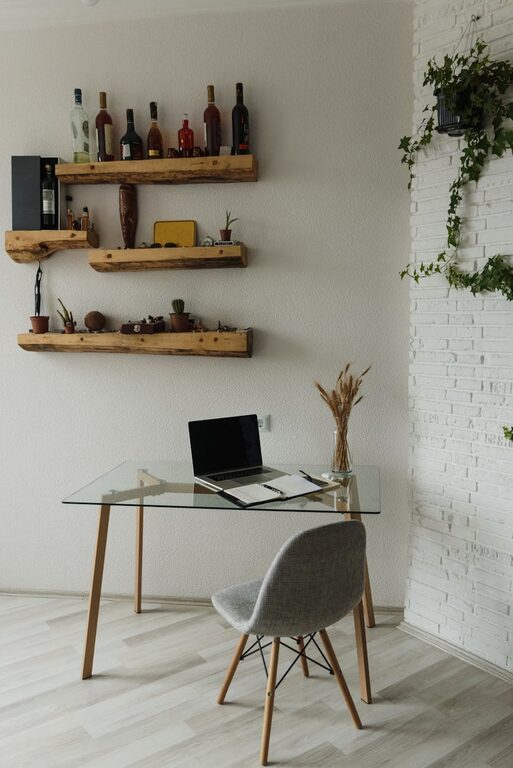
– Storage Solutions: Use shelves, filing cabinets, or organizers to keep essentials within reach but out of the way, reducing clutter.
Optimize Lighting
Aside from natural light, consider your artificial lighting setup:
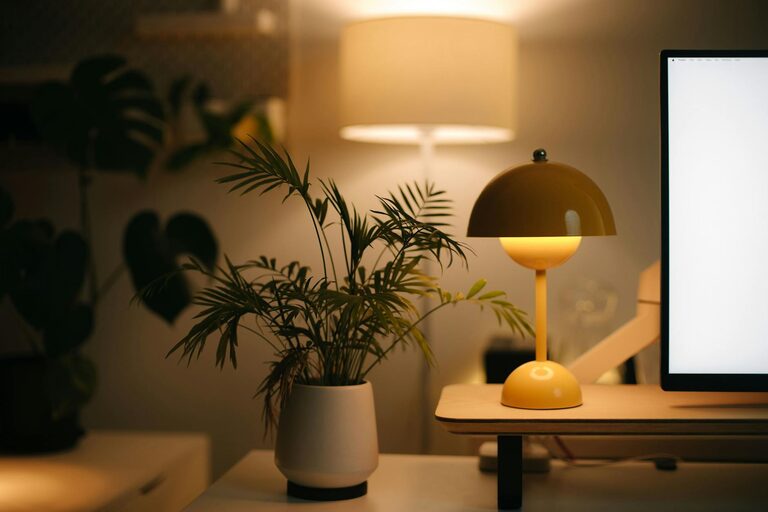
– Task Lighting: Use a desk lamp with adjustable brightness to avoid eye strain during darker hours.
– Ambient Lighting: Soft overhead lights can create a warm atmosphere without harshness.
– Color Temperature: Choose light bulbs that mimic daylight (around 5000K) for alertness, or warmer light for relaxation during breaks.
Personalize Your Space
Adding personal touches makes your workspace inviting and inspiring:
– Decor: Include artwork, plants, or photos that motivate you without overwhelming the space.
– Colors: Use calming colors like blues or greens, or energizing hues such as yellows, depending on your preference.
– Comfort Items: A cozy throw, cushion, or footrest can enhance comfort, especially during long work sessions.
Organize Efficiently
Keeping your workspace tidy supports clarity and focus:
– Declutter Regularly: Remove unnecessary items daily or weekly.
– Use Cable Management: Keep cords tidy with clips or sleeves to prevent tangling.
– Desk Accessories: Use trays, holders, or containers to organize stationery and small supplies.
Technology Setup
Ensure your tech supports your work without creating frustration:
– Reliable Internet: A strong Wi-Fi connection is key for seamless communication.
– Monitor Setup: If possible, use an external monitor to reduce neck strain.
– Keyboard and Mouse: Ergonomic options can improve comfort when typing or navigating for hours.
Maintain Boundaries and Routine
A dedicated workspace helps separate work from home life:
– Set Working Hours: Try to stick to a schedule to avoid overworking.
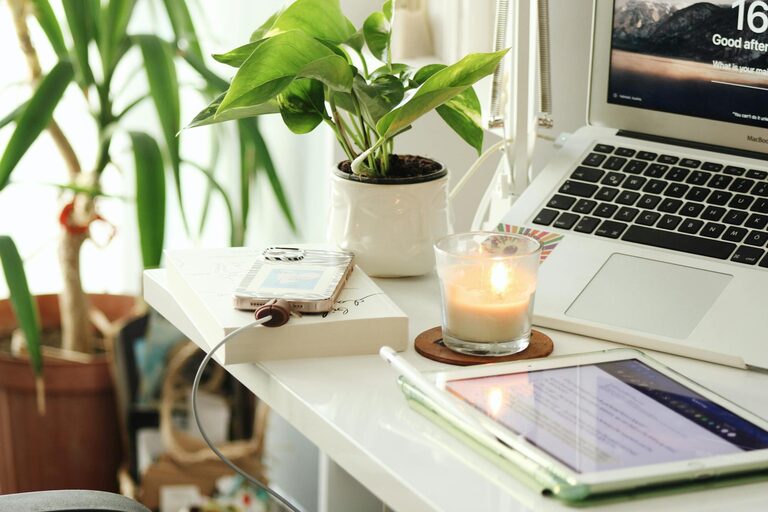
– Clear Start and End Rituals: Turning on your computer or lighting a candle can signal the workday’s beginning; shutting down signals its end.
– Limit Distractions: Use headphones or white noise apps if household sounds are distracting.
Incorporate Movement
To stay healthy and reduce stiffness while working:
– Take Breaks: Stand up, stretch, or walk around every hour.
– Use a Standing Desk or Balance Board: These tools promote better posture and circulation.
– Exercise Accessories: Keep a yoga mat or resistance bands nearby for quick workouts.
Final Thoughts
Creating a cozy and functional home workspace doesn’t require a large budget or extensive renovation. By thoughtfully selecting your location, furniture, and lighting—and organizing and personalizing the space—you can build an environment that supports productivity and comfort. Remember, the best workspace adapts to your needs and encourages balance between work tasks and well-being. Start implementing these tips today and enjoy a better work-from-home experience.
About the Author