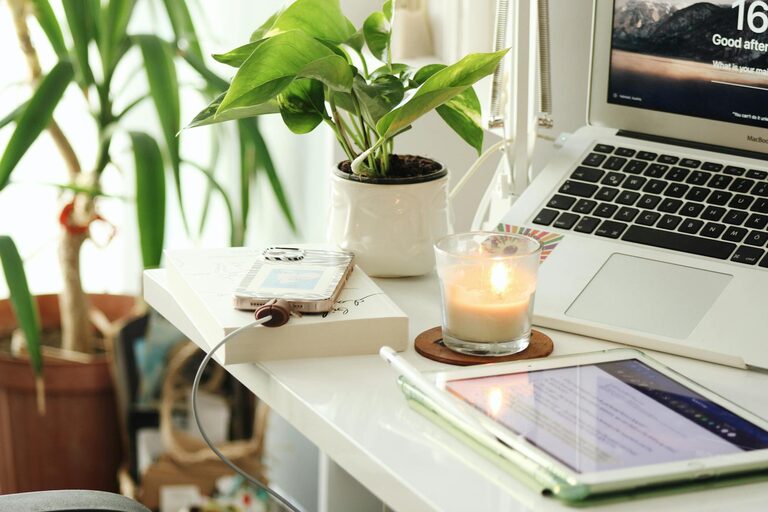
Creating a home workspace that is both cozy and productive is essential for anyone working or studying from home. A well-designed area can help you focus, reduce stress, and boost your overall productivity. Whether you have a dedicated room or a small corner, there are simple ways to make your workspace inviting and efficient. Here’s a comprehensive guide to help you set up the perfect home office tailored to your needs.
Why a Cozy and Productive Workspace Matters
Working in a cluttered or uncomfortable environment can drain your energy and distract you from tasks. On the other hand, a neat and pleasant workspace fosters concentration and creativity and supports your well-being. Balancing coziness with functionality ensures that your workspace is a place where you look forward to spending time.
—
Choosing the Right Location
Find a Quiet Spot
If possible, select a corner or room away from household noise like the TV or kitchen. Minimizing distractions helps maintain focus.
Consider Natural Light
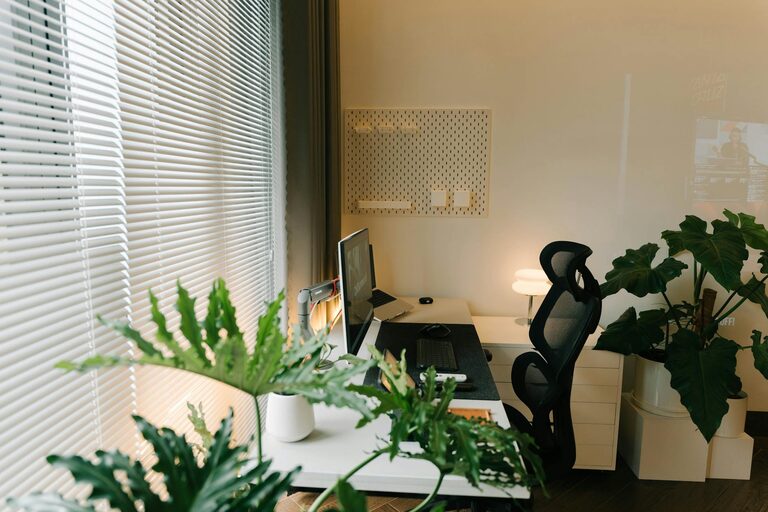
Position your desk near a window to benefit from natural daylight. It can improve mood and reduce eye strain.
Evaluate Space and Privacy
Choose a spot that fits your needs, whether you require privacy for calls or flexible space for spreading out materials.
—
Furniture Essentials for Comfort and Productivity
Ergonomic Chair and Desk
Invest in a chair that supports your back and allows your feet to rest flat on the floor. A desk at the right height encourages good posture and reduces discomfort.
Desk Size and Storage
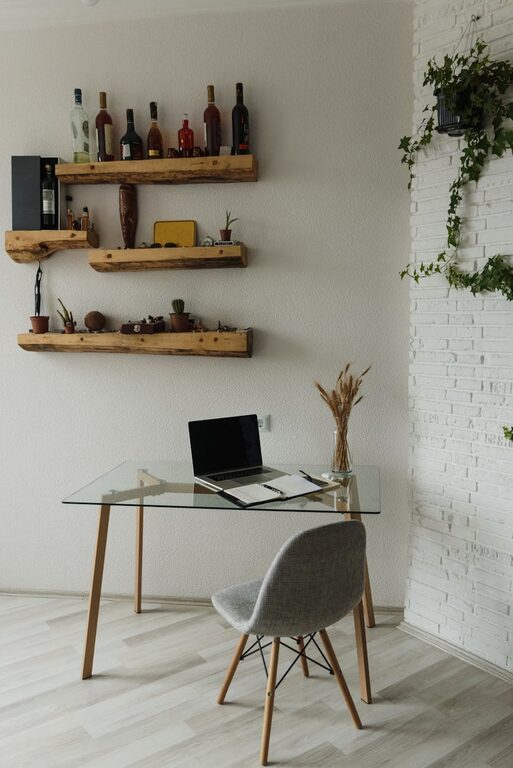
Select a desk large enough for your laptop, notebooks, and other essentials. Incorporate storage solutions like shelves, drawers, or organizers to keep the area tidy.
Adjustable Options
If possible, use adjustable furniture to alternate between sitting and standing positions. This change can reduce fatigue and improve circulation.
—
Organizing Your Workspace
Declutter Regularly
Remove items that don’t serve your work to keep mental clarity. A tidy desk promotes a calm mindset.
Use Organizers and Trays
Keep supplies like pens, papers, and chargers in containers to reduce mess and find items quickly.
Cable Management
Tidy up cords with clips or sleeves. This reduces visual chaos and hazard risk.
—
Personalizing for Comfort and Inspiration
Add Soft Textiles
Use cushions, a soft throw, or a rug to make your workspace warmer and welcoming.
Incorporate Greenery
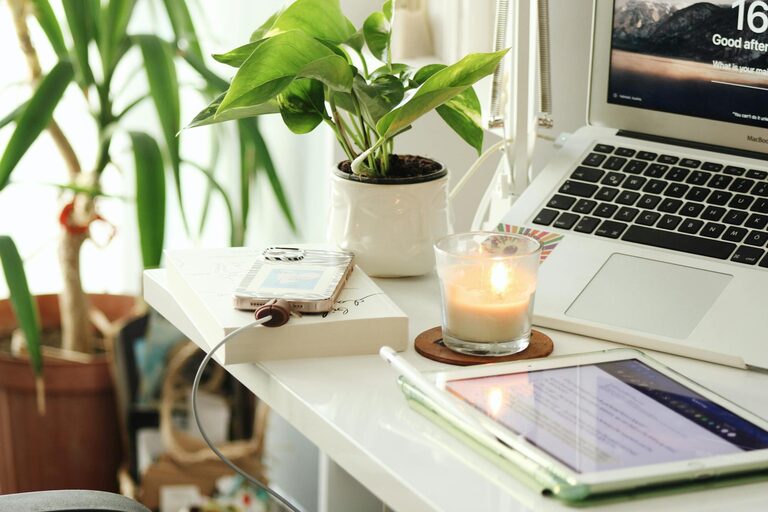
Plants add color, improve air quality, and have calming effects. Choose low-maintenance options like succulents or pothos.
Display Motivational Items
Photos, artwork, or an inspiring quote can boost motivation and personalize your space.
—
Optimizing Lighting
Layer Your Lighting
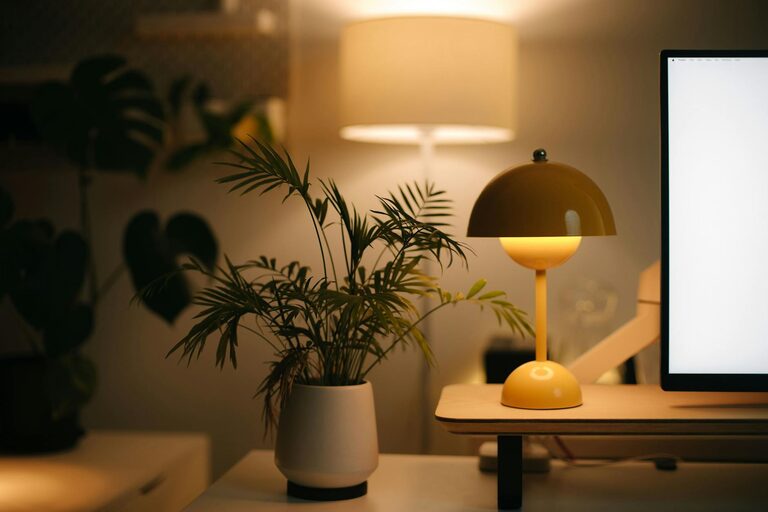
Combine natural light with task lighting and ambient sources. A desk lamp with adjustable brightness helps reduce eye strain during evening hours.
Avoid Glare
Position screens and lamps carefully to prevent glare, which can cause discomfort and headaches.
—
Technology Setup
Reliable Internet and Equipment
Ensure you have a stable internet connection and functional devices. Investing in a quality keyboard, mouse, or headphones can improve your workflow.
Keep Technology Organized
Use stands or holders for phones and tablets, and keep chargers accessible but out of the way.
Backup and Security
Regularly save your work and use security software to protect your data.
—
Maintaining Work-Life Balance at Home
Set Boundaries
Define specific working hours and inform household members. This helps reduce interruptions.
Take Breaks
Incorporate short breaks to stretch, hydrate, or relax your eyes. A cozy workspace encourages you to stay productive without burning out.
End-of-Day Routine
Clear your desk and turn off work devices when finished for the day to create a mental separation between work and personal time.
—
Final Thoughts
Designing a cozy and productive home workspace is about creating an environment that supports your tasks and comforts your mind and body. By carefully choosing your location, furnishing your space thoughtfully, organizing efficiently, and personalizing your area, you can transform even a small corner into a haven for work. Remember, the best workspace adapts to your workflow and preferences, so feel free to experiment and adjust as needed to make it your own.
About the Author