Creating a productive home office environment is essential for anyone working from home. A well-designed workspace can enhance your focus, reduce distractions, and improve overall work satisfaction. Whether you’re new to remote work or looking to upgrade your current setup, these tips will help you create a home office tailored to your needs.
Choose the Right Location
Consider Natural Light
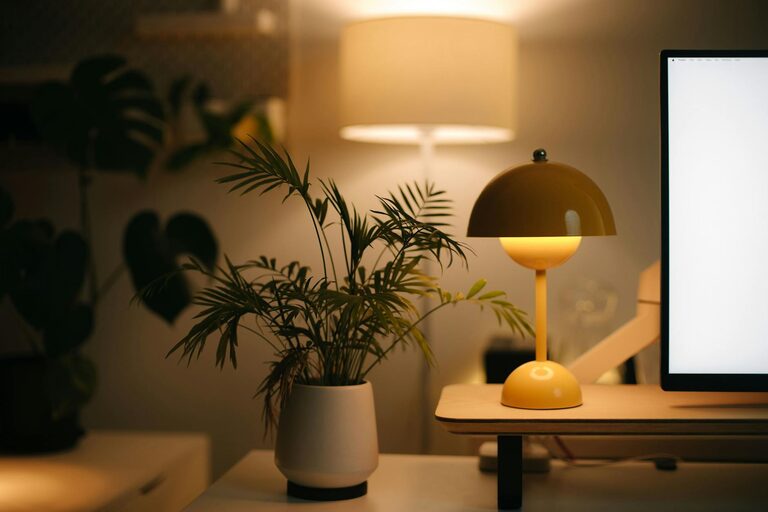
Selecting a spot with plenty of natural light can boost your mood and energy levels. Near a window is ideal, as sunlight helps regulate your body clock and reduces eye strain. If natural light is limited, invest in a good quality desk lamp with adjustable brightness.
Minimize Distractions
Pick a quiet corner or room away from household noise and traffic. If you share your space with family or roommates, communicate your work schedule to minimize interruptions.
Invest in Comfortable and Functional Furniture
Ergonomic Chair and Desk
A comfortable chair with good back support helps prevent posture issues. Pair it with a desk at the right height so your arms rest comfortably while typing or writing. Adjustable furniture is a bonus as it allows you to sit or stand throughout the day.
Keep Essentials Within Reach
Arrange your most used items—like notebooks, pens, and computer accessories—within easy reach to avoid unnecessary movement and maintain workflow.
Organize Your Workspace
Declutter Regularly
A tidy desk promotes a clear mind. Keep only what’s necessary on your desk and store other items in drawers or organizers. Regularly declutter to avoid buildup.
Use Storage Solutions
Implement shelves, filing cabinets, or bins to keep papers and office supplies organized. Labeling folders and containers can save time when searching for materials.
Optimize Technology Setup
Reliable Internet Connection
A strong and stable internet connection is crucial to avoid disruptions, especially if your work involves video calls or uploading large files.
Efficient Equipment
Ensure your computer, printer, and other devices are up to date and meet your work requirements. Use a second monitor if your tasks benefit from multitasking or additional screen space.
Cable Management
Organize cables with clips or sleeves to prevent tangles and accidental unplugging, keeping your desk neat and safe.
Create a Routine and Personalize Your Space
Set Business Hours
Define your working hours and stick to them to maintain work-life balance. Use alarms or calendar reminders to signal start, breaks, and finish times.
Add Personal Touches
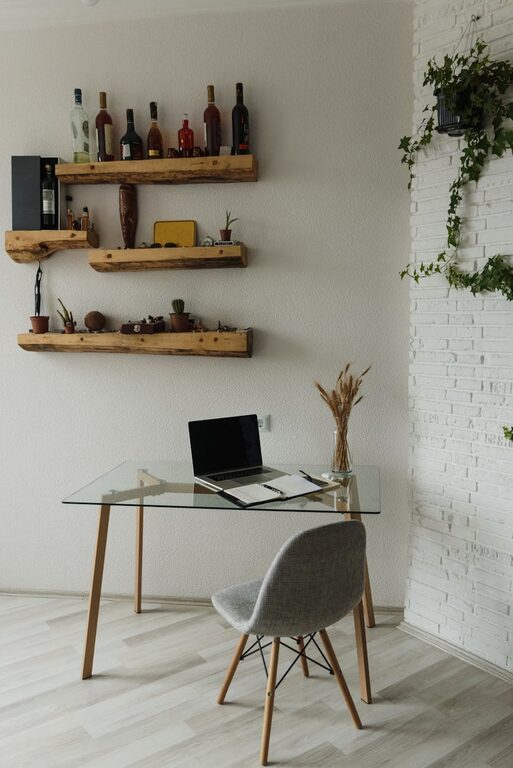
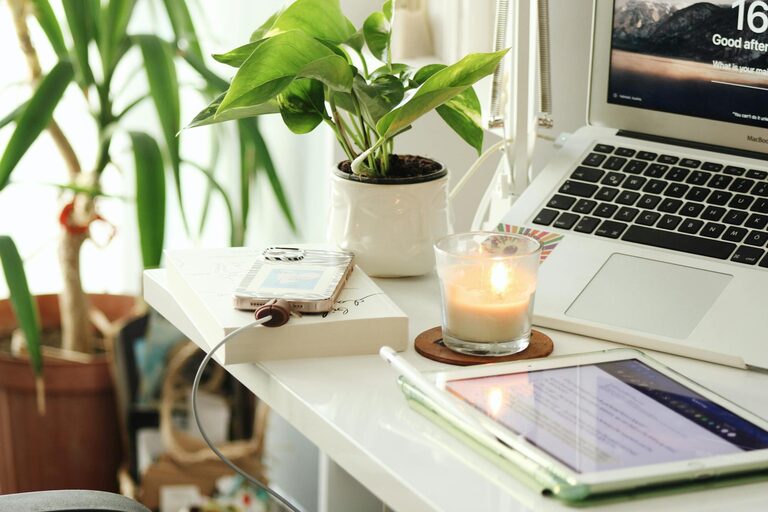
Including items like plants, photos, or artwork can make your workspace inviting and boost motivation. Keep decorations minimal to avoid distraction.
Manage Noise and Comfort
Use Noise-Cancelling Headphones
If your environment is noisy, headphones can help you concentrate. Alternatively, playing soft background music or white noise might improve focus.
Regulate Temperature and Air Quality
Keep your home office at a comfortable temperature. Regularly ventilate the room or use an air purifier to ensure fresh air, helping you stay alert and comfortable.
Incorporate Movement and Breaks
Take Regular Breaks
Stand up and stretch every hour to reduce stiffness and eye strain. Short breaks refresh your mind and body, improving productivity.
Use a Standing Desk or Adjustable Setup
Alternating between sitting and standing can alleviate discomfort and boost energy levels throughout the day.
Lighting and Screen Position
Position Screens Properly
Place your computer screen at eye level and about an arm’s length away to reduce neck and eye strain.
Avoid Glare
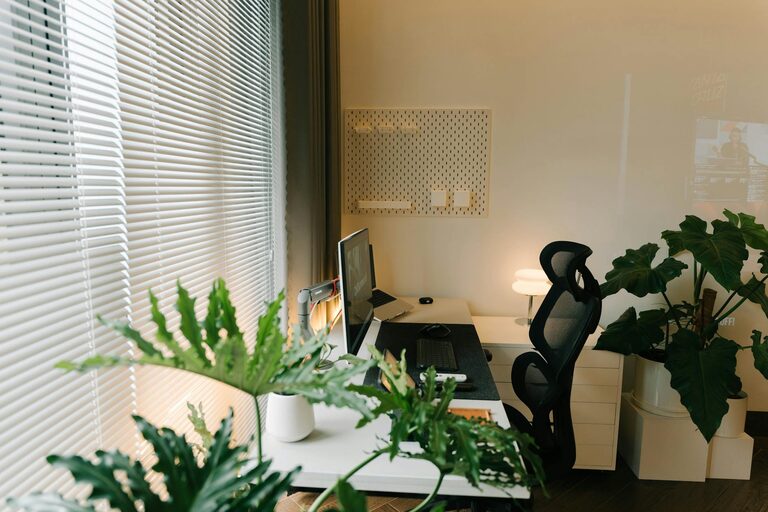
Use blinds or curtains to control sunlight and position your screen to avoid reflections that can cause discomfort.
—
By following these tips, you can transform your home office into a place where productivity and comfort coexist. Tailor your workspace to your work style and personal preferences for the best results. Remember, a well-planned environment helps you work smarter, not harder.
About the Author